A session is where you bring documents together and analyse them. Each session belongs to a workspace and starts with a copy of the workspace's standard. See Organisations, workspaces and sessions.
Before you start
You need to be an Admin, Manager or Member to create a session. If Create session is greyed out, ask your organisation's admin.
Create the session
- Open the workspace.
- Select Create session.
- Enter a name for the session. Choose something that describes the work, such as the project, document set or date range.
- Select Create session.
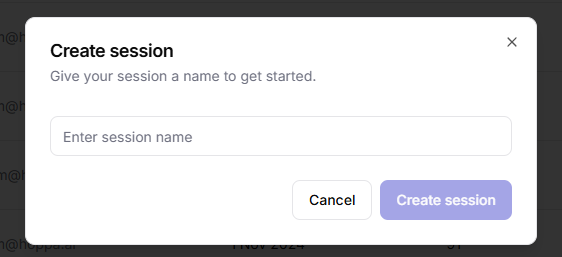
Create session dialog
Hoppa creates the session as a Draft and opens its Overview page. Hoppa also gives the session a three-word ID, such as soft-mails-cry, which appears in its web address.
Open an existing session
On the workspace's Sessions tab, find the session and select the pencil icon, Edit session. Or select the session row and choose Edit in the details panel.